
AI Sticker Generator
Turn a description, or a photo of yourself or your pet, into a die-cut sticker with a transparent background, in eight styles.
Want it to move? Animate your sticker with the AI GIF Generator.
Upload a person, pet or object to turn into a sticker
PNG, JPG, WEBP
Preview
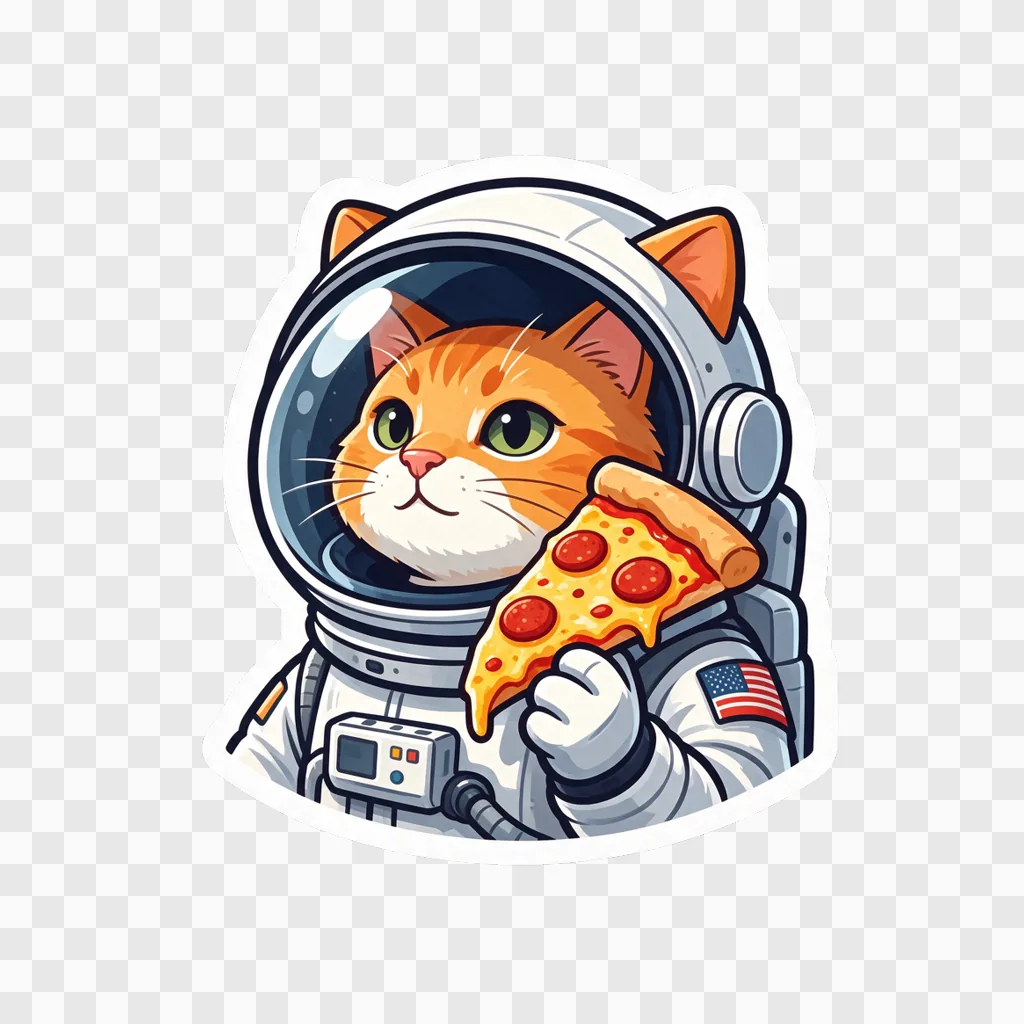
Make a Sticker From Text or Turn a Photo Into a Sticker
A sticker is only useful once the background is gone, and cutting one out by hand is the slow part. This AI sticker maker skips it. Describe what you want, or upload a photo of a person, a pet or an object, pick a style, and Seedream 5.5 draws a single die-cut sticker with a white border on a transparent background. The file you download is a PNG with a real alpha channel, ready to drop into a chat app, a design or a print order.
- Transparent PNG, No Cut-Out StepThe background is transparent in the file itself, not a white square you have to erase.
- Text or PhotoStart from a description, from a photo, or from a photo plus a few words of direction.
- Eight Sticker StylesCartoon, kawaii, chibi anime, 3D, pixel art, retro, watercolor and doodle.
Photo to Sticker and Text to Sticker Examples
Each sticker below is an unedited result, placed on a coloured panel so the white border and the transparent edge are visible.
Turn a Photo of Yourself Into a Sticker
Pet Photos Keep Their Markings
One Description, Eight Styles
How to Make a Sticker With AI
A description or a photo, a style, and one click.
Getting a Better Sticker
What made the difference in our tests:
One Subject per Sticker
A single character or object with one clear pose reads at thumbnail size. Make a pack by generating several stickers of the same character in the same style.
Quote the Words You Want
Stickers have no lettering unless you ask. Put the exact text in quotation marks, like the words "GOOD VIBES", and keep it to a few words.
Use a Clear, Close Photo
For photo stickers, a well-lit shot where the face or the pet fills most of the frame keeps the likeness. Group photos give the model too many subjects to choose from.
Need 2K output, another aspect ratio or up to ten reference images? Use the full Seedream 5.5 generator.
AI Sticker Generator Questions
What is an AI sticker generator?
It draws a sticker from a text description or from a photo, already cut out from its background. This one returns a single die-cut sticker with a white border as a transparent PNG.
How do I turn a photo into a sticker?
Upload the photo, pick a style and press Generate. The tool redraws the main person, pet or object as a sticker, keeps what makes them recognisable and drops the background. You can add directions in the description box, such as "waving" or "add a party hat".
Is the background really transparent?
Yes. Seedream 5.5 outputs a PNG with an alpha channel, so the area around the white border is transparent in the file. The preview on this page may show it on the page's own background colour.
Can I use the stickers on WhatsApp, Telegram or Discord?
Yes. The PNG is 1024 × 1024, larger than those apps need (WhatsApp and Telegram stickers are 512 pixels, Discord stickers 320), so a sticker-maker app or bot can scale it down without losing sharpness.
Can I print the stickers?
At 300 dpi a 1024-pixel sticker prints about 3.4 inches (8.7 cm) across, enough for laptop and water-bottle stickers. Print shops usually accept a transparent PNG and add the cut line along the white border.
Can I make a sticker of a friend?
Yes, if they are happy for you to. Only upload photos of other people with their permission.
Is the AI Sticker Generator free?
Signing up is free and comes with free trial credits, enough for about six stickers from text at 6 credits each, or four from photos at 9 credits each. When those run out, credit packs start at $10 for 1,000 credits. There is no subscription, and if a generation fails its credits are returned.
How much does a sticker cost?
A sticker from text uses 6 credits and a sticker from a photo uses 9. New accounts get free credits, purchased credits never expire, and results stay in your history for 28 days.