AI Clothes Changer
Found something online and can't tell if it suits you? Put it on your own photo before you order.
Upload the person whose identity to keep
PNG, JPG, WEBP
Upload a photo of the garment
PNG, JPG, WEBP
Preview
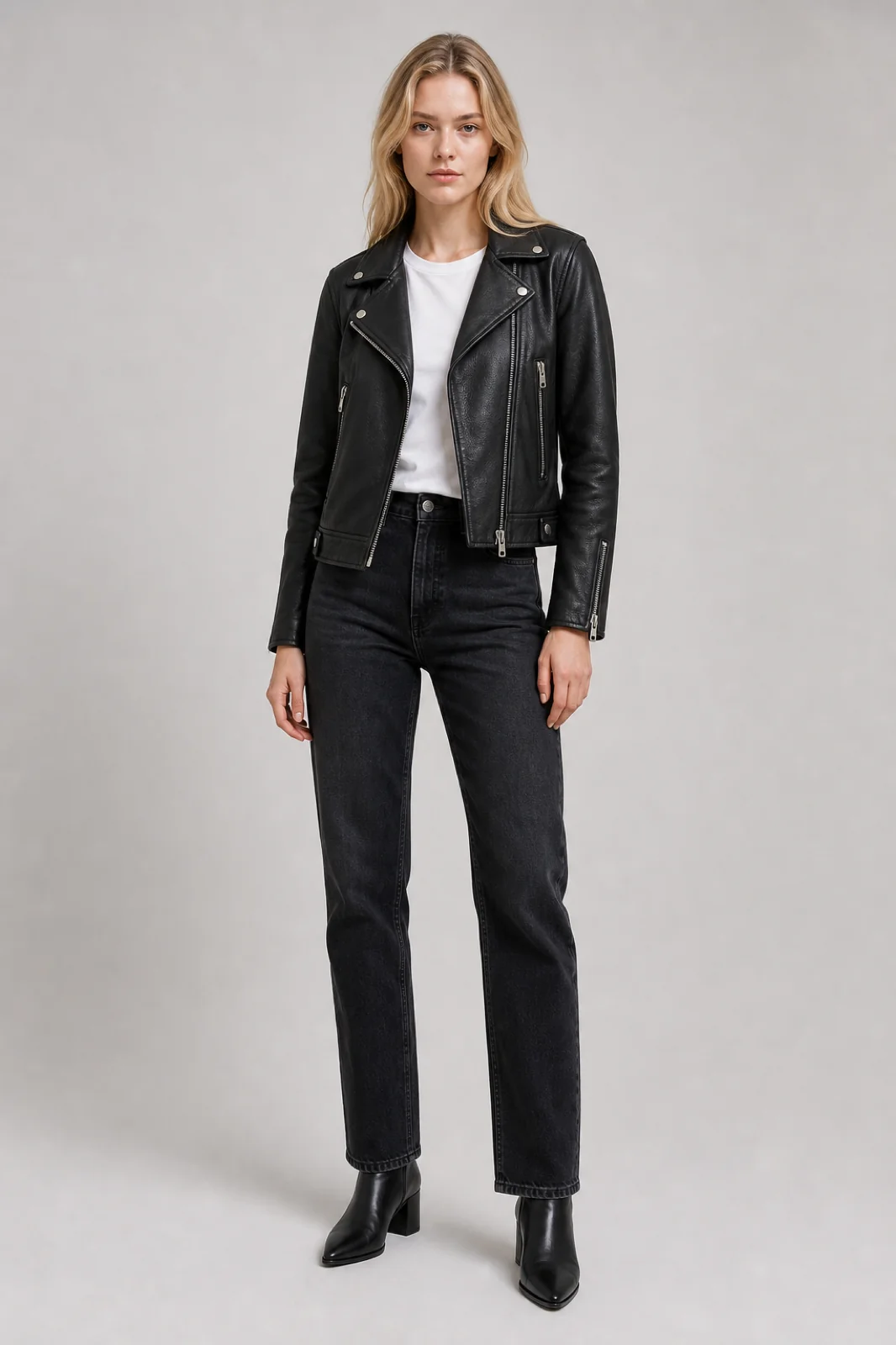
A Fitting Room for Online Shopping
Product pages show clothes on a model with a different build, height and skin tone from yours. This tool shows them on you. Upload a photo of yourself and an image of the item, taken straight from the shop's website if you like, and Seedream 5.5 redraws you wearing it. Your face, hair, build and pose come from your photo; only the clothing changes.
- Works with Shop PhotosUse a product image, a ghost-mannequin shot or a flat-lay. A plain background gives the cleanest result.
- Your Proportions, Not the Model'sThe garment is fitted to your body, so you see how it sits on you rather than on a catalogue model.
- Compare Before You OrderTry two or three candidates and compare them in your history before you spend any money.
- Six Everyday PresetsA denim jacket, black suit, summer dress, leather jacket, hoodie and trench coat are ready to try in one click.
Trying On an Outfit
Two uploads and a click.
Tips for a Convincing Try-On
Small choices that make a big difference:
Match the Framing
Trying on trousers? Use a photo that shows your legs. The model can't fit what it can't see.
Skip Busy Backgrounds
Product shots on white or grey separate the garment cleanly, so nothing from the shop's scene leaks in.
Keep the Lighting Simple
Even daylight in your own photo lets the new fabric pick up natural shadows.
Shopping for Something Specific?
These tools use prompts tuned for one kind of garment.
AI Wedding Dress Try-On
AI Cosplay Generator
AI Swimwear Try-On
AI Halloween Costume
Clothes Changer Questions
What shoppers ask before their first try-on:
Can I try on clothes from any online store?
Yes, as long as you can save the product image. Download it or take a screenshot, then upload it as the outfit. Images of the garment on its own work better than photos of a model wearing it.
Does it show how the clothes will actually fit?
It shows how the style, colour and cut look on your body. It can't know the garment's real measurements, so use it to judge the look and still check the retailer's size chart.
Can I change only my top or only my trousers?
Upload an image of just that piece. The rest of your outfit usually stays, and you can add a note like "keep my jeans" to make it explicit.
Will the model from the product photo appear in my result?
No. The prompt takes only the clothing from the second image and keeps your face, body and background.
Is the AI Clothes Changer free?
You can try it for free. Signing up costs nothing and comes with free trial credits, enough for about four try-ons at 10 credits each. After that, credit packs start at $10 for 1,000 credits with no subscription, and failed generations are refunded.
How much does a try-on cost?
10 credits per try-on on Seedream 5.5. New accounts get free credits to start, and purchased credits never expire.
Can I use someone else's photo?
Only with their permission. Use photos of yourself, or of people who have agreed to it.