AI Halloween Costume
Try on a witch, a vampire or the costume sitting in your shopping cart, and know what you're wearing before October 31.
Upload the person whose identity to keep
PNG, JPG, WEBP
Pick a preset or upload a costume product photo
PNG, JPG, WEBP
Preview
Settle the Costume Question Before October 31
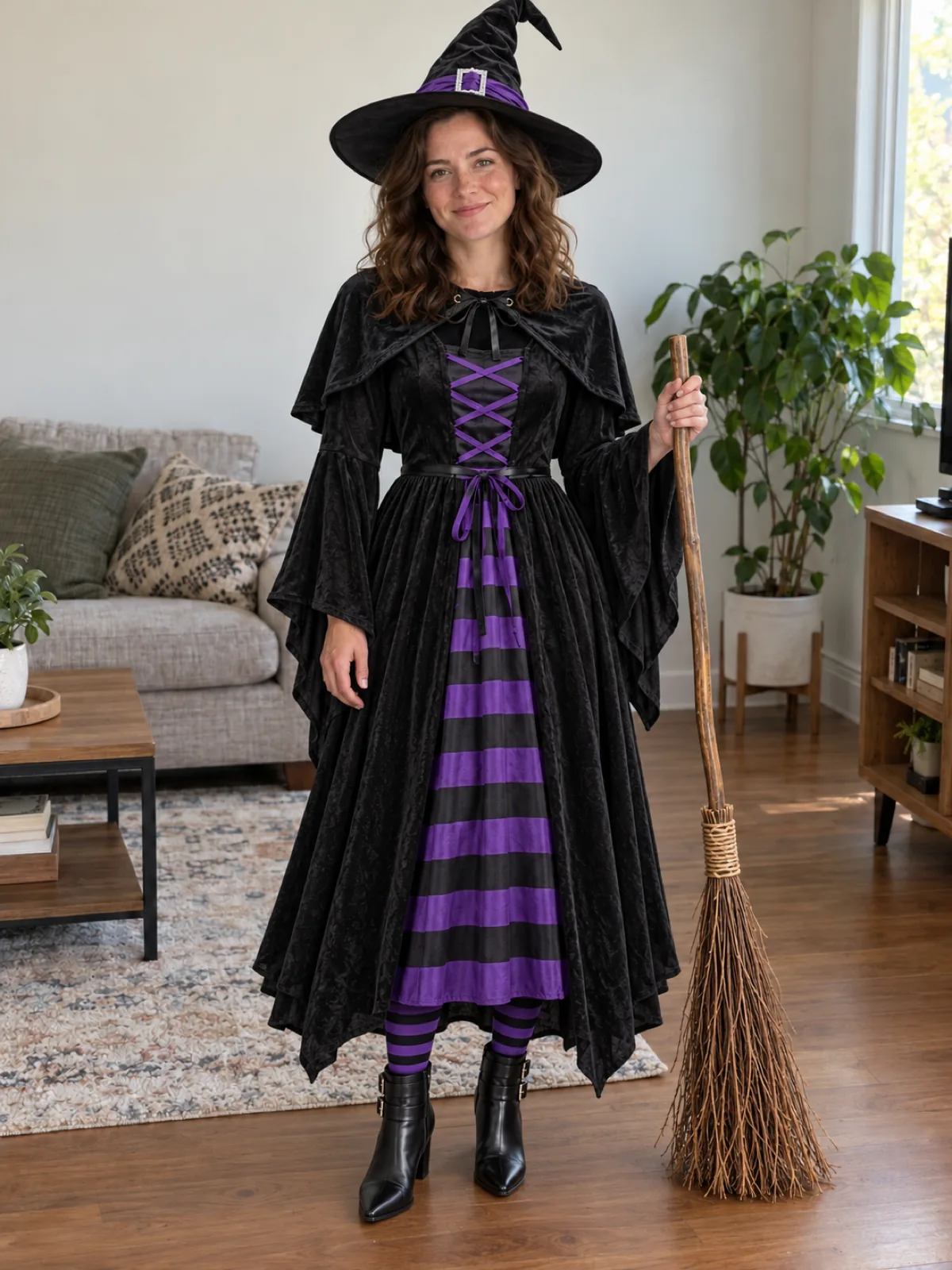
Every October the same thing happens: ten browser tabs of costumes, a cart you keep emptying, and a parcel that arrives looking nothing like the photo. This tool lets you try the costume first. Upload a full-length photo of yourself, then pick one of twelve costumes or paste in the product photo from the shop you're about to order from. Seedream 5.5 puts the whole set on you, including the hat, cape, ears and props, while your face and hair stay your own.
- Shortlist in MinutesTorn between witch and pirate? Run both on the same photo and compare them side by side.
- Check a Listing Before OrderingUpload the shop's product shot to see how that exact costume's colour and cut look on you.
- Hats, Capes and Props IncludedHeadpieces sit on your own hair, and brooms, staffs and lanterns come across with the outfit.
How to Preview a Halloween Costume
Three steps, about a minute each.
Tips for a Better Costume Preview
A few things that help:
Use Product Shots, Not Model Photos
A flat-lay or mannequin photo of the costume transfers more cleanly than a picture of someone else wearing it.
Ask for Makeup When You Want It
Face paint is left off by default so you still look like you. Add "zombie makeup" or "cat nose and whiskers" in the box to include it.
Plan a Group Costume
Preview each person with their own photo and a matching theme, like pirate crew or witch and wizard, to see how the set works together.
AI Halloween Costume Questions
How do I see myself in a Halloween costume with AI?
Upload a full-length photo, choose a preset costume or upload a costume product photo, and generate. The result shows you wearing the full costume in your original pose and setting.
Can I try on a costume I found in an online shop?
Yes. Switch the costume slot to upload and add the product photo from the listing. Plain product shots on a light background give the most accurate colours and fit.
Will masks cover my face?
Not by default. The tool shows masks pushed up on your head so the preview still shows your face. If you want the face covered or painted, describe it in the extra instructions box.
Does it change my hair?
Only if the costume includes a wig. Witch hats, hoods and ear headbands are placed on your own hair. If you want a full character transformation including the wig, the AI Cosplay Generator is built for that.
Can I plan a couple or family costume?
Yes. Run each person's photo with a costume from the same theme, or describe the matching details in the extra instructions box. Only upload photos of people who have agreed to it.
Is the AI Halloween Costume tool free?
It's free to try, not free without limit. Signing up comes with free trial credits, enough for about four costume previews at 10 credits each, and after that you buy credits in packs from $10 for 1,000 credits. There is no subscription, and failed generations are refunded.
How much does a costume preview cost?
Each preview uses 10 credits on Seedream 5.5. New accounts get free credits, purchased credits never expire, and your results stay in your history for 28 days.