
AI Hug Generator
Put two people, or you and your pet, in one warm hug photo, even when you're miles apart.
Making something for a partner? Try the AI Kiss Generator.
Upload a clear photo of yourself or someone who has agreed
PNG, JPG, WEBP
Upload a photo of someone who has agreed to this, or of a pet
PNG, JPG, WEBP
Preview
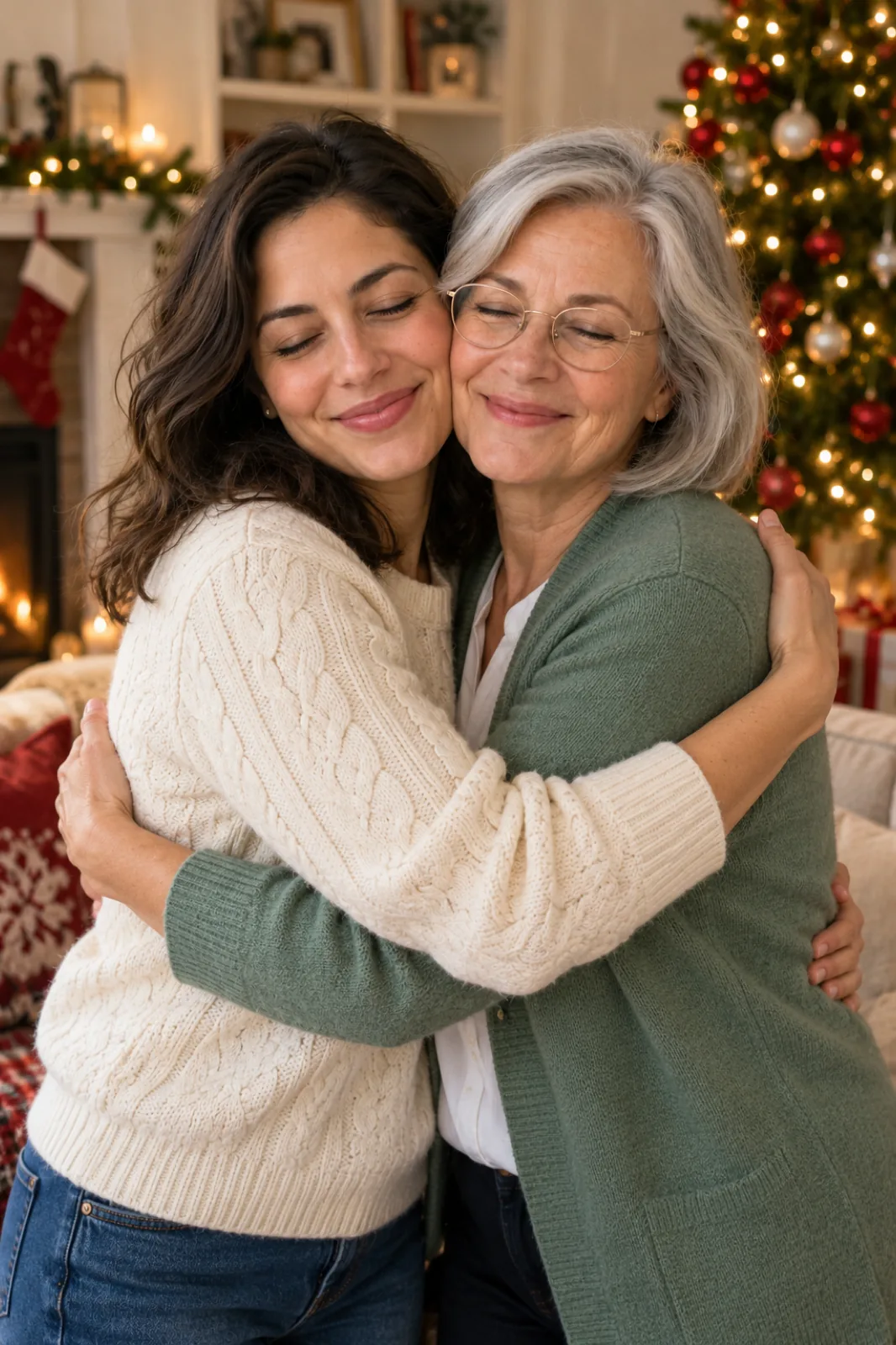
The Hug Photo You Never Got to Take
Some people are hard to get into one frame: a parent who lives abroad, a best friend from school, a grandparent you only see at holidays. This AI hug generator takes one photo of each and makes a new photo of the two of you hugging, lit as if you were really standing in the same place. The second slot also takes a pet. It makes a still photo rather than a video clip, so it's ready quickly, costs 10 credits, and prints well.
- Family Far AwayParents, siblings and grandparents in other cities or countries, together in one picture.
- Friends and ReunionsMake the reunion photo before the trip, or mark one you couldn't be at.
- You and Your PetUpload your dog or cat as the second photo for a cuddle that stays sharp.
- A Gentle KeepsakeSome people use a favourite photo of a loved one who has passed away for a quiet, private keepsake.
How to Make an AI Hug Photo
Two photos, one hug style, and an optional setting.
Getting a Natural Hug Photo
Small choices that help:
Side Hugs Show Both Faces
A side hug keeps both faces fully visible, which is the safest choice when likeness matters most.
Old Photos Work Too
A scanned print works if the face is clear, even one of you as a child for a hug with your younger self. Each person keeps the age they have in their photo.
Pets: Show the Whole Animal
A photo with the full body and markings visible helps the pet come out looking like your pet.
Say Where
"Airport arrivals hall", "living room at Christmas" or "park in autumn" sets the light and the mood.
AI Hug Generator Questions
What is an AI hug generator?
It takes two separate photos and makes one new photo of those two hugging, with each face, hairstyle and outfit kept from its own photo. You choose the type of hug and, if you want, the setting.
Do I get a photo or a video?
A photo. One high-quality still image is quicker and cheaper to make than a video effect, and you can print it, frame it or use it as a wallpaper.
Can I hug my pet?
Yes. Upload your pet in the second slot and choose "Hug with a Pet". The pet's breed, colouring and markings come from its photo.
Can I use photos of other people?
Only photos of yourself and people who have agreed to it. Don't use it to show real people, including public figures, in a way they haven't consented to, or to mislead or harass anyone.
Can I make a hug photo with someone who has passed away?
Yes, many people do this as a private keepsake. Choose a photo where their face is clear; the result keeps them as they look in that photo.
Is the AI Hug Generator free?
You can try it for free. Signing up costs nothing and comes with free trial credits, enough for about four hug photos at 10 credits each. After that, credit packs start at $10 for 1,000 credits with no subscription, and failed generations are refunded.
How much does an AI hug photo cost?
Each photo costs 10 credits on Seedream 5.5. New accounts get free credits, purchased credits never expire, and results stay in your history for 28 days.