
AI Kiss Generator
Two separate photos in, one tender kissing photo out. Pick a cheek, forehead or soft romantic kiss and set it anywhere.
Want a hug with family, a friend or a pet instead? Try the AI Hug Generator.
Upload a clear photo of yourself or someone who has agreed
PNG, JPG, WEBP
Upload a photo of someone who has agreed to this
PNG, JPG, WEBP
Preview
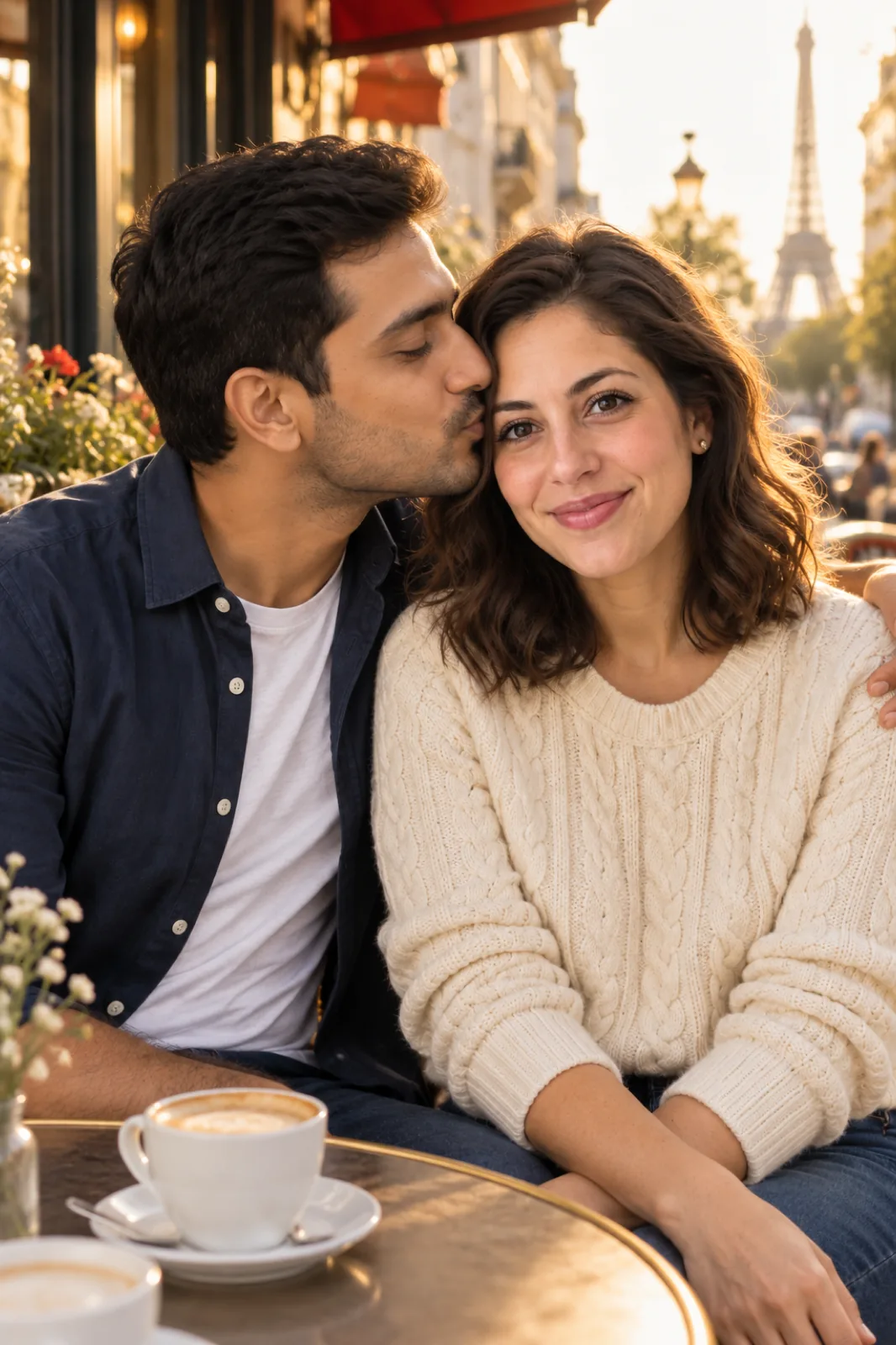
A Kissing Photo You Can Keep
Most kiss effects make a few seconds of video. This AI kiss generator makes a single, sharp photograph instead: something you can frame, print, set as a phone wallpaper or slip into an anniversary card. Upload one photo of each person and choose how they kiss. Seedream 5.5 places you both in one scene with shared light, keeping each face, hairstyle and outfit from its own photo. A photo costs 10 credits and is ready faster than a video.
- AnniversariesRecreate the street where you met, or picture the two of you somewhere you're planning to go.
- Long-Distance CouplesLiving in different cities? Put yourselves in the same photo until the next visit.
- Save-the-Date IdeasTry a forehead kiss at the venue or a hand kiss on a Paris street before you book a photographer.
- Tender, Never ExplicitEvery style is affectionate and fully clothed. The romantic kiss is a soft, closed-lip kiss between two adults.
How to Make an AI Kissing Photo
Two photos and a style. The setting is up to you.
Tips for a Believable Kiss Photo
What made the biggest difference in our tests:
Faces Toward the Camera
Front-facing photos give the model the most to work from. Sunglasses and heavy shadows cost likeness.
Similar Photo Quality
A sharp photo next to a blurry one shows. Two recent phone photos blend more naturally.
Name the Place
"Sunset beach", "snowy Paris street" or "our garden wedding" sets the light and the mood together.
Print It
The result is a still photo, so it works in a frame, on a card or as a lock screen.
AI Kiss Generator Questions
What is an AI kiss generator?
It takes two separate photos and makes one new photo of those two people kissing, with each person's face, hair and clothes kept from their own photo. Here you choose the kind of kiss and the setting.
Is the result a photo or a video?
A photo. You get one high-quality still image, which is cheaper and faster to make than a video effect and easy to print, frame or share.
Can I use photos of other people?
Only photos of yourself and people who have agreed to it. Don't use it to show real people, including public figures, in a way they haven't consented to, or to mislead or harass anyone. The romantic kiss style is for adults only.
Will it change how old we look?
No. The prompt keeps each person's apparent age, face and build as they are in their photo.
Does it work with photos taken in different places?
Yes. The two photos can have different backgrounds and lighting; the result puts you in one scene with matching light.
Is the AI Kiss Generator free?
Signing up is free and comes with free trial credits, enough for about four kissing photos at 10 credits each. When those run out, credit packs start at $10 for 1,000 credits. There is no subscription, and if a generation fails its credits are returned.
How much does an AI kissing photo cost?
Each photo costs 10 credits on Seedream 5.5. New accounts get free credits, purchased credits never expire, and results stay in your history for 28 days.