Photo to Anime
Turn a selfie, a couple photo or your pet into an anime character, with the same face, outfit and scene.
Going the other way? Try Anime to Real Life.
Upload a selfie, couple shot, pet or scene
PNG, JPG, WEBP
Preview
Step Into Your Own Anime
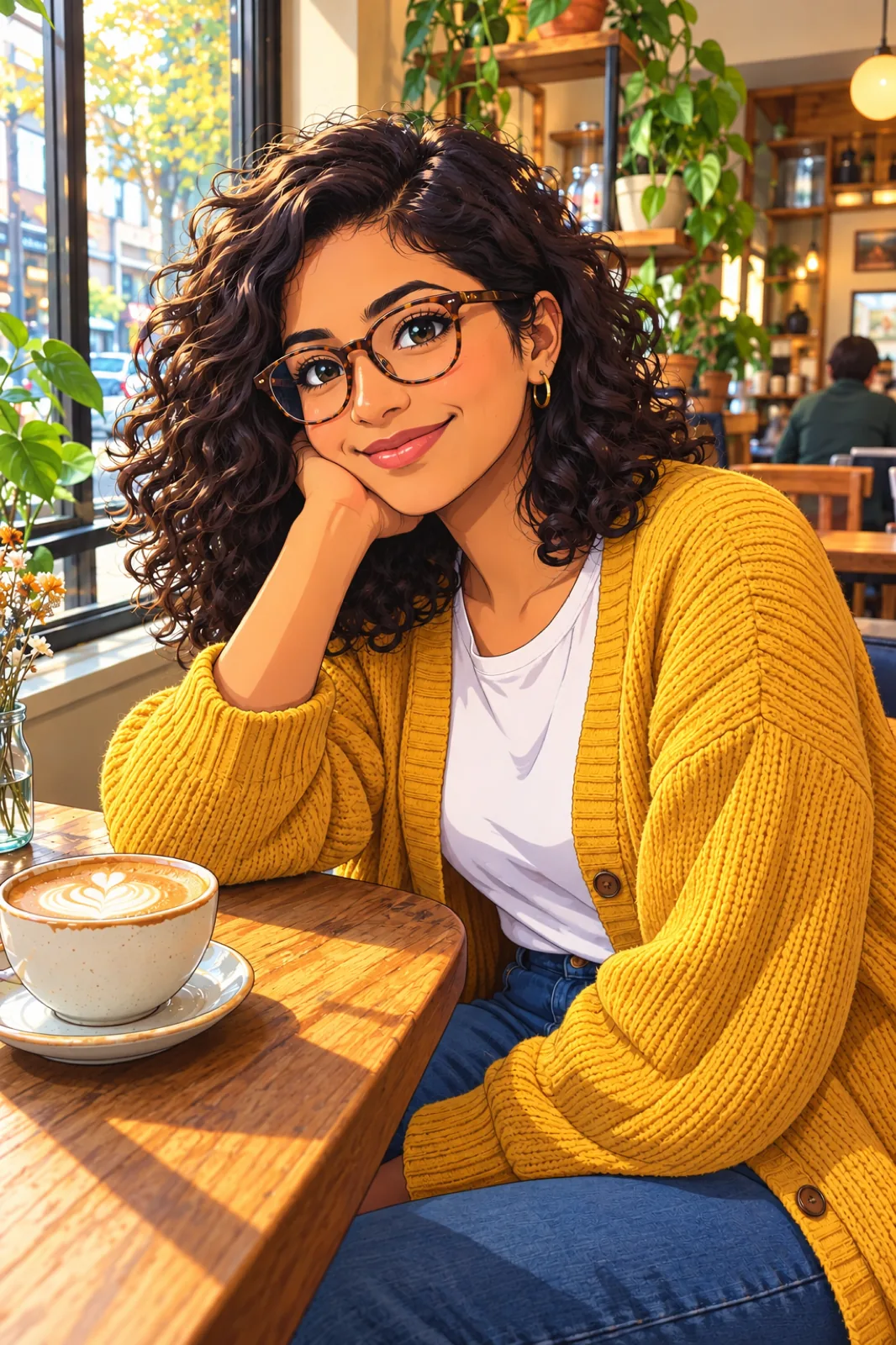
Most anime filters paste big eyes onto a generic face. This tool redraws the whole photo instead: your hairstyle, glasses, outfit and the café or street behind you all make it into the illustration, so the result looks like you walked into an episode rather than into a template. Choose one of six anime looks and Seedream 5.5 redraws the picture in that style, keeping the framing and pose of the original.
- Anime AvatarsA profile picture for Discord, X or a gaming account that is recognisably you without showing your actual face.
- Yourself as an OCUse the result as the first reference sheet for an original character based on you, then carry the design into your own art.
- Couples and FriendsGroup shots work. Each person keeps their own hair, clothes and features, so everyone can still tell who is who.
- Pets Come TooCats and dogs keep their breed, coat markings and quirks, like that one ear that never stands up.
Making Your Anime Version
One photo and one style choice.
Which Anime Style to Pick
Six looks, each tuned with its own prompt:
Modern Anime
Crisp lines and bright cel shading, like a current TV season. The most faithful to your face.
90s Cel Anime
Muted retro colours, film grain and sharper features, like a frame from a VHS-era series.
Shōjo
Sparkling eyes, pastel tones and drifting petals. Flattering for portraits and couple photos.
Shōnen Action
Thick outlines, hard shadows and rim light that turn a sports or gym photo into a key frame.
Chibi
A big head on a tiny body, made for stickers, emotes and cute avatars.
Watercolour Film
Small eyes, soft brushwork and lush painted scenery. Best for travel photos and outdoor shots.
Photo to Anime Questions
How do I turn a photo into anime?
Upload the photo, choose one of the six anime styles and press Generate. The whole picture is redrawn, so you, your clothes and the background all come back as one anime illustration.
Will the anime version still look like me?
It keeps what people recognise you by: hairstyle and colour, glasses, skin tone, facial hair and outfit. Anime simplifies faces, so expect a likeness rather than a portrait. Modern Anime and 90s Cel stay closest; Chibi changes your proportions on purpose.
Can I turn an anime character into a real person instead?
Yes, with a separate tool. Anime to Real Life takes a drawing or an original character and returns a photograph of the same character, outfit and scene.
Does it work on group photos and pets?
Yes. Couples, friend groups and pets all work. In big group shots each face is small, so fewer details survive; crop closer if a particular person matters most.
Can I add things that aren't in the photo?
Use the optional instructions box to change the outfit, time of day or scenery, for example "cherry blossoms falling" or "wearing a hooded cloak".
Is Photo to Anime free?
Signing up is free and comes with free trial credits, enough for about four anime images at 9 credits each. When those run out, credit packs start at $10 for 1,000 credits. There is no subscription, and if a generation fails its credits are returned.
How much does it cost?
Each image costs 9 credits. New accounts get free credits to try it, purchased credits never expire, and every result stays in your history for 28 days.