Photo to Sketch
Turn a portrait, a pet or a favourite building into a pencil, charcoal or ink drawing that keeps the likeness.
Upload a portrait, pet, building or street scene
PNG, JPG, WEBP
Preview
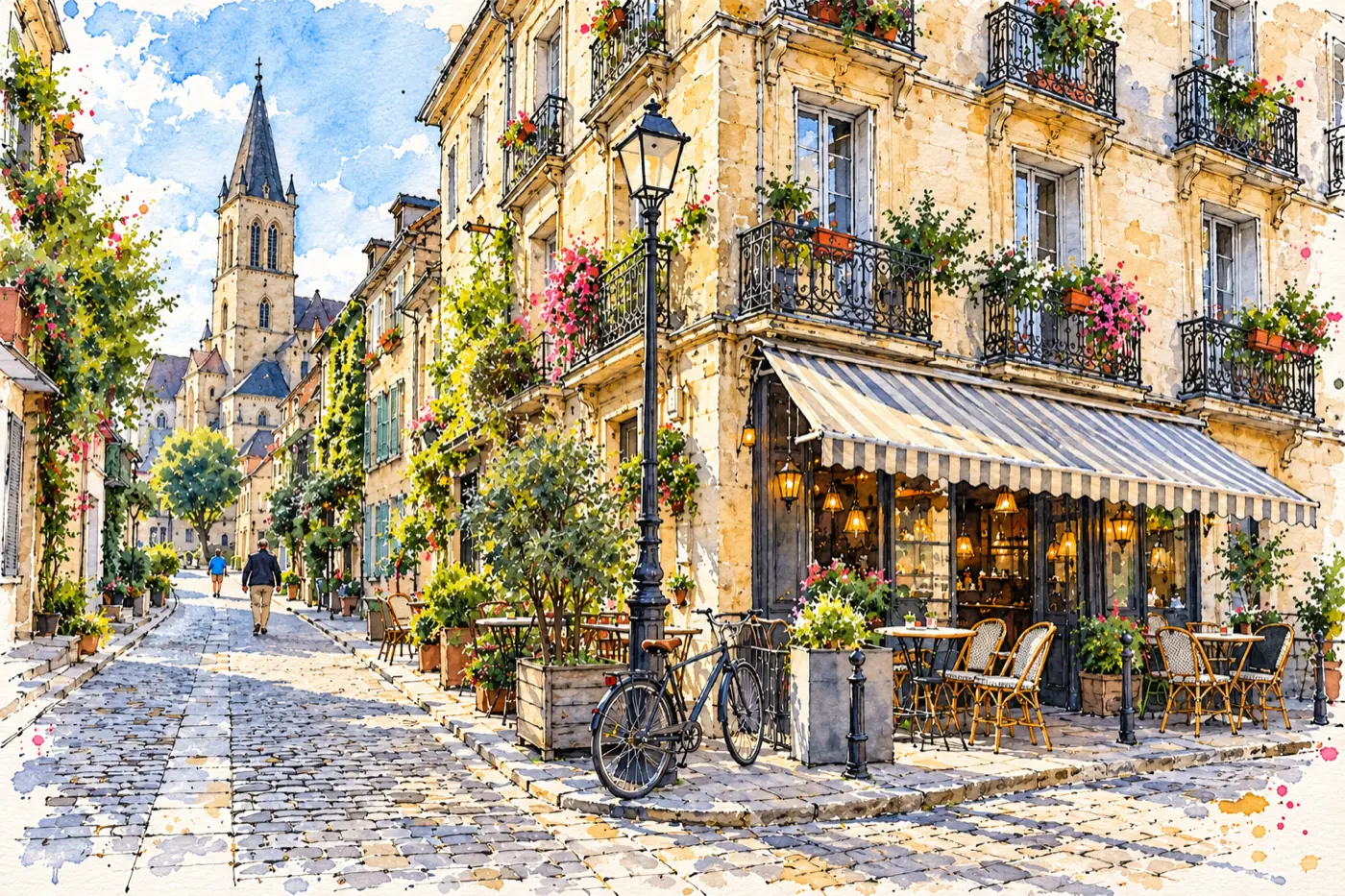
A Drawing That Starts From Your Photo
Artists use it to see how a photo breaks down into lines and values before drawing it themselves. Tattoo clients use it to turn a pet or a place into clean line art to show their artist. Others simply want a hand-drawn keepsake of a grandparent, a pet or a first home. GPT Image 2.5 redraws the photo in the medium you pick and follows its lighting, so the shadows fall where they did in the original and faces stay true to the person.
- Drawing ReferenceSee how a photo simplifies into shapes and tones, then use it as a study guide or tracing practice.
- Tattoo and Stencil IdeasInk Line Art gives clean, closed shapes with no grey, a solid starting point to take to your tattoo artist.
- Keepsakes and MemorialsA gentle pencil or charcoal portrait of a loved one or a pet who has passed, ready to frame.
- House and Travel SketchesUrban Sketch turns a building or street into an ink-and-wash drawing, a classic housewarming present.
Sketching a Photo
Pick the photo, then the medium.
Six Drawing Media
Each medium has its own prompt, paper and mark-making:
Pencil Sketch
Graphite with smooth gradients and cross-hatching. The most faithful likeness of the six.
Charcoal
Smudged blacks and chalk highlights on grey paper. Dramatic for black-and-white portraits.
Ink Line Art
Black outlines only, no grey. Use it as a colouring page, stencil or tracing guide.
Coloured Pencil
Keeps the photo's colours with soft, grainy, layered strokes on cream paper.
Ballpoint Pen
Every tone built from blue biro cross-hatching, like a patient notebook drawing.
Urban Sketch
Loose ink lines and watercolour washes for buildings, streets and travel photos.
Photo to Sketch Questions
How do I turn a photo into a sketch?
Upload the photo, choose a drawing medium and press Generate. The tool redraws the whole photo by hand, keeping the composition, the likeness and the direction of the light.
Which photos make the best sketches?
Photos with directional light, such as window light or late-afternoon sun, give the most interesting shading. Flat flash photos produce flatter drawings. For portraits, a face that fills a good part of the frame keeps more detail.
Can I use the drawing as a tattoo design?
Ink Line Art is built for that: clean outlines with no grey tones. Treat it as a starting point and let your tattoo artist adapt the line weights for skin.
Does it work for buildings, pets and landscapes?
Yes. Urban Sketch is tuned for architecture and street scenes, and every medium works on pets. Fur and fine textures come out best in Pencil and Charcoal.
Can I print it and frame it?
Drawings are generated at 1K resolution, which prints well at postcard and small frame sizes. Larger prints will look softer up close.
Is Photo to Sketch free?
Signing up is free and comes with free trial credits, enough for about eight drawings at 5 credits each. When those run out, credit packs start at $10 for 1,000 credits. There is no subscription, and if a generation fails its credits are returned.
How much does it cost?
Each drawing costs 5 credits. New accounts get free credits to try it, purchased credits never expire, and every result stays in your history for 28 days.